
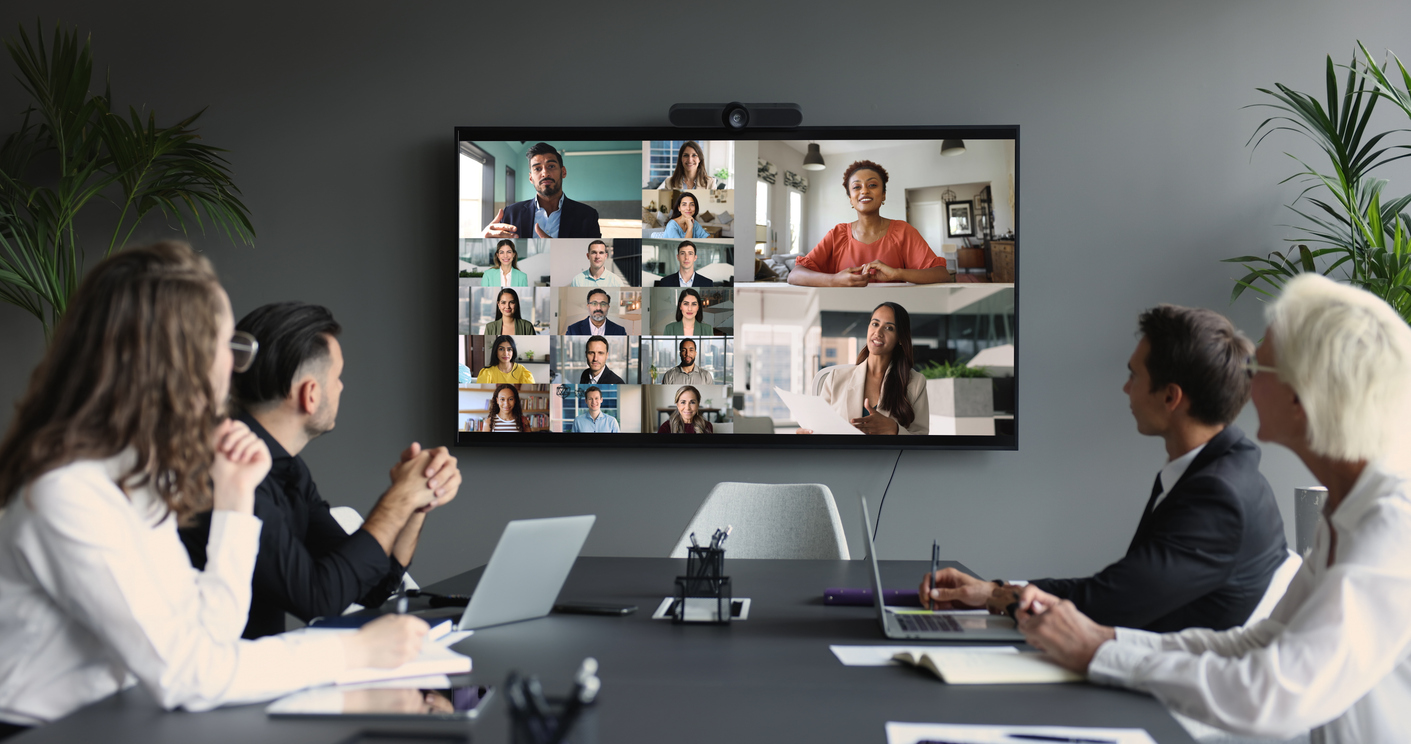
Calls. Meetings. Collaboration. One Microsoft Teams Platform.
City Systems delivers Microsoft Teams telephony, conferencing and meeting room solutions that bring business communication together in one secure, familiar platform.
By integrating Teams calling, video conferencing and professional meeting room systems, we help organisations create a consistent communication experience across offices, remote employees and distributed teams.
From business phone system migrations to Teams Rooms and hybrid meeting environments, we design, deploy and support solutions that make communication simpler, more flexible and easier to manage.
One Platform for Calls, Meetings & Collaboration.
Microsoft Teams has evolved far beyond chat and video meetings. It can become the central communication platform for your organisation.
City Systems uses Microsoft Teams as our own primary business phone system and has successfully migrated organisations of different sizes to Teams-based telephony.
Many of our clients use Teams to connect Sydney, interstate offices, remote employees and offshore teams through one consistent communication platform.
Communication Built Around How Your People Work.
From individual business calling to professional meeting rooms, we bring Microsoft Teams communication capabilities together as one coordinated solution.
Microsoft Teams Phone
Make and receive external business calls directly through Microsoft Teams on computers, mobiles and supported Teams devices.
Teams Direct Routing
Connect Microsoft Teams to external landline and mobile networks without maintaining a traditional PBX.
Microsoft Teams Rooms
Professional meeting room technology with one-touch meeting access, video, audio and Teams integration.
Video Conferencing
Improve hybrid meetings with reliable room audio, video and conferencing technology.
Call Queues & Auto Attendants
Route incoming calls professionally using automated attendants, departments and call queues.
Business Numbers
Migrate or provision business numbers and integrate them into your Teams calling environment.
Teams Devices
Deploy supported headsets, desk phones, room systems and collaboration hardware.
Ongoing Support
Technical support, administration and optimisation after your Teams communication environment goes live.
Your Business Phone System. Inside Microsoft Teams.
Microsoft Teams Phone allows employees to make and receive business calls from the same platform they already use for meetings, chat and collaboration.
Direct Routing can connect Microsoft Teams with external telephone networks, allowing organisations to modernise business calling without maintaining a traditional on-premises PBX.
Use business numbers across supported Teams devices, computers and mobiles.
Support employees working from offices, home or other locations.
Reduce dependence on legacy phone infrastructure and separate systems.
Bring calling together with Teams, Outlook and the wider Microsoft environment.
Meeting Rooms That Just Work.
Hybrid meetings are difficult when the room technology is inconsistent, complicated or unreliable.
Microsoft Teams Rooms provides a standardised meeting experience with one-touch join, integrated video and audio, room controls and Microsoft Teams.
City Systems can assist with room design, hardware, licensing, installation, setup, testing and user training.
Start scheduled Teams meetings directly from the meeting room console.
Improve the experience for both in-room and remote participants.
Use appropriately designed cameras and displays for your room size.
Give employees the same familiar Teams interface across meeting spaces.
From Room Design to User Training.
A reliable meeting room depends on more than the hardware. We consider the complete room experience.
Room Assessment
Review room size, layout, displays, acoustics and collaboration requirements.
Hardware Selection
Select supported cameras, microphones, speakers, consoles and displays.
Installation & Configuration
Configure Teams Rooms, accounts, licensing and supported room equipment.
Testing
Validate calling, video, audio and the end-to-end meeting experience.
User Training
Help employees understand how to join, present and manage meetings confidently.
Connect Offices, Remote Staff and Distributed Teams.
Modern organisations often operate across multiple offices, homes, states and countries.
Microsoft Teams provides a consistent platform for employees to call, meet and collaborate regardless of where they are working.
Many City Systems clients use Teams communication to connect interstate offices and offshore teams while reducing dependence on separate phone and conferencing systems.
Give employees a consistent communication experience across office, home and remote locations.
Simplify Communication. Improve the User Experience.
Unified Communication
Bring calls, meetings, chat and collaboration together inside Microsoft Teams.
Hybrid Work
Support employees wherever they work using one consistent communication platform.
Reduced Complexity
Reduce reliance on separate phone systems, conferencing platforms and legacy PBX infrastructure.
Scalability
Add users, locations and communication services as your organisation changes.
Better Collaboration
Create a smoother connection between calls, meetings, files and everyday collaboration.
Centralised Management
Simplify communication administration as part of the wider Microsoft 365 environment.
Communication That Fits Your Security Strategy.
Business communication systems need to be managed with the same attention to identity, access and information security as the rest of your IT environment.
City Systems integrates Teams voice and meetings into the broader Microsoft 365 environment, helping organisations manage users, access, devices and communication more consistently.
As an ISO 27001 certified provider, security and risk management remain part of the way we design and support Microsoft solutions.
Explore Cyber Security Services →Move From Traditional Telephony With a Structured Plan.
A Teams Phone migration needs to consider numbers, users, call flows, devices, licensing and business continuity.
Assess
Review your existing phone environment, numbers, users and business requirements.
Design
Plan Teams calling, licensing, number routing, call queues and user requirements.
Migrate
Move business numbers and users into the new Teams environment.
Test
Validate calling, routing, devices and critical business call flows.
Support
Assist users after go-live and provide ongoing technical support.
Microsoft Experience. Practical Delivery.
Microsoft Teams is our own primary business communication platform.
Experience migrating organisations of different sizes to Teams-based telephony.
Teams solutions integrated with the wider Microsoft cloud environment.
Hardware, licensing, configuration, implementation and user training.
Security and risk management embedded into our service delivery.
Support after implementation rather than simply completing the migration.
Teams Works Best as Part of Your Wider IT Environment.
Voice and meeting solutions connect naturally with Microsoft 365, cloud, support and security.
Microsoft 365 & Cloud
Microsoft 365, Exchange Online, SharePoint, OneDrive, Azure and cloud security.
Explore → 02Managed IT Services
Ongoing support, monitoring and management across your complete technology environment.
Explore → 03Cyber Security
Practical security controls for users, identities, devices and cloud services.
Explore → 04IT Consulting
Technology planning, procurement, projects and meeting room implementation.
Explore →Frequently Asked Teams Voice & Meeting Questions.
Common questions about Microsoft Teams Phone, telephony, Direct Routing and Teams meeting rooms.
Can Microsoft Teams replace our business phone system?
For many organisations, yes. Microsoft Teams Phone can provide business calling, internal extensions, external numbers, call queues and other communication features within Microsoft Teams.
What is Microsoft Teams Direct Routing?
Direct Routing connects Microsoft Teams to external telephone networks so users can make and receive calls to landlines and mobile phones through the Teams application.
Can we keep our existing business phone numbers?
In many cases, existing business numbers can be migrated or ported into a Teams telephony solution. The migration approach depends on your current carrier and phone environment.
Can staff use Teams Phone when working from home?
Yes. Teams Phone is well suited to hybrid and remote work because employees can use supported computers, mobile devices and Teams hardware from different locations.
What is a Microsoft Teams Room?
A Microsoft Teams Room is a meeting room environment designed specifically for Microsoft Teams. It typically includes a room console, display, camera, microphone and speakers that provide a consistent meeting experience.
Can City Systems set up our meeting rooms?
Yes. City Systems can assist with meeting room planning, compatible hardware, Microsoft licensing, configuration, installation, testing and user training.
Can Teams support multiple office locations?
Yes. Teams can provide a consistent communication platform across multiple offices and remote users. Many City Systems clients use Teams across interstate locations and distributed teams.
Can Teams support offshore teams?
Teams is designed for distributed collaboration and can help organisations communicate across offices, remote employees and offshore teams using meetings, chat, calling and collaboration tools.
Does Teams Phone integrate with Microsoft 365?
Yes. One of the main advantages of Teams Phone is that business calling sits within the wider Microsoft 365 environment alongside Teams meetings, Outlook and collaboration services.
Learn more about our Microsoft 365 & Cloud Solutions .
Do you provide ongoing support after migration?
Yes. City Systems can provide ongoing Teams, Microsoft 365 and IT support after deployment, including user assistance, administration and troubleshooting.
Explore our Managed IT Services .
Ready to Simplify Business Communication? Bring It Together in Microsoft Teams.
Whether you're replacing an existing phone system, improving hybrid communication or building professional Microsoft Teams meeting rooms, City Systems can design, migrate and support a solution around your organisation.